
Click to download now, finish the installation quickly, and directly unlock the all-round experience
Screenshots

Click to download now, finish the installation quickly, and directly unlock the all-round experience
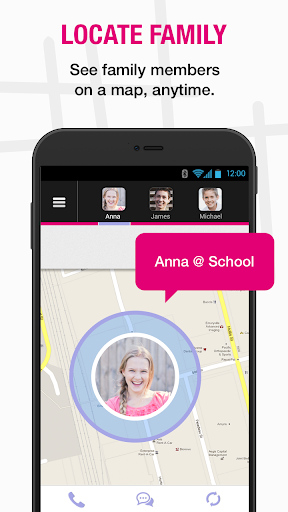
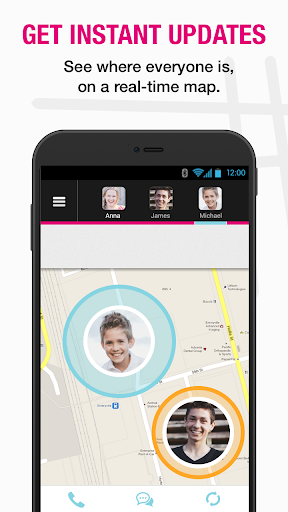
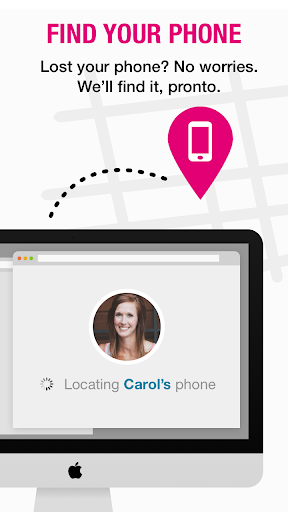
T-Mobile FamilyWhere lets the primary account holder locate phones on their T-Mobile account and see their approximate positions on a map. It is aimed at families who want a quick way to check whether a child has arrived home from school or practice, or to find a family member while plans are changing.
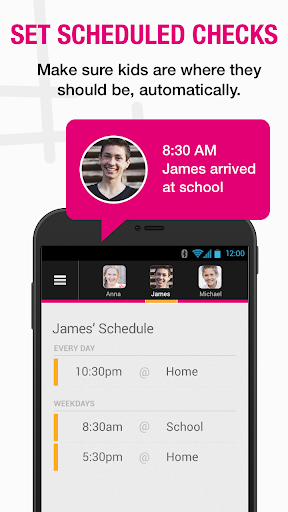
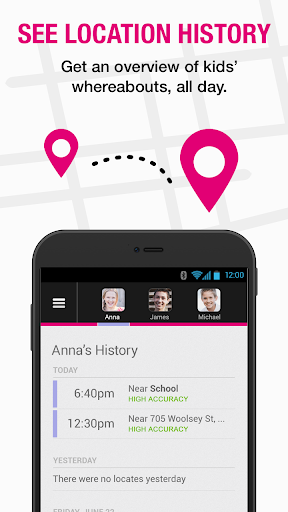
You can request a location when you need one, or schedule automatic checks and receive alerts by SMS or email. Family members can also send a Check-In with their location, which can be useful when they would rather tell you they have arrived than answer a call. The app keeps location history for seven days, so you can look back at recent movements.
FamilyWhere can cover up to 10 lines on an account. Phones must be powered on and connected to T-Mobile’s network to be located, and people on the account who can be located receive an SMS notification. Location results for iPhones are less precise than for Android phones and may show only an approximate position near a cell tower.
This is a T-Mobile account tool, rather than a general-purpose locator for phones on any carrier. The service offers a 30-day trial; after that, the reference information lists a $10 monthly subscription billed to the T-Mobile account. Check that arrangement suits your household before making it part of your routine.
T-Mobile USA’s Lifestyle app has a 3.6-star rating from 27,908 reviews and more than 1,000,000 installs. It may suit T-Mobile families who want scheduled checks and optional check-ins, provided everyone understands the network limits and location notifications.